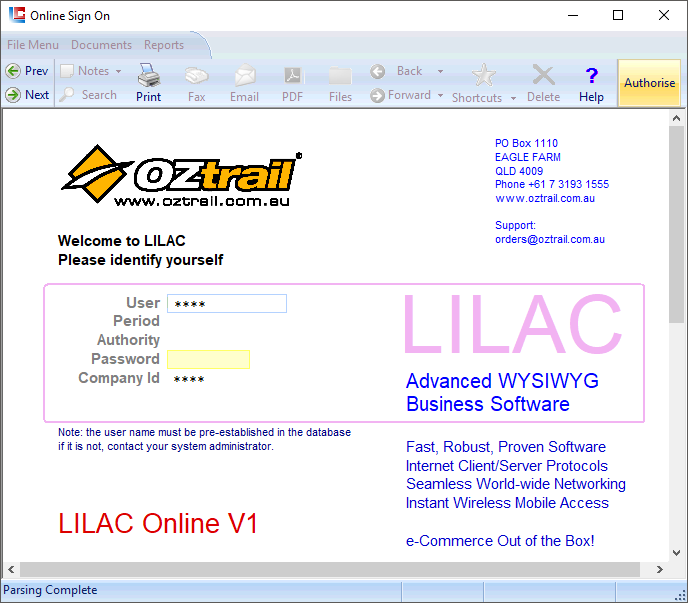
LILAC Document Help
Online Order Installation
LILAC Online order placement software.
1.
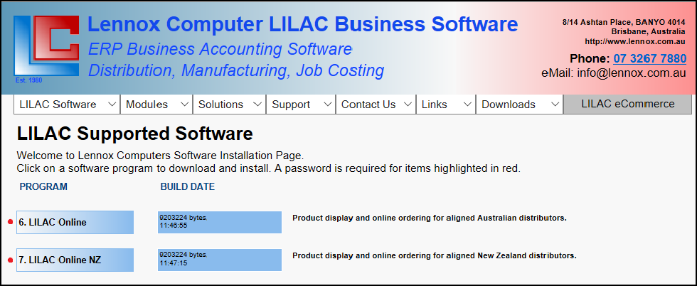
From the Lennox Computer Home Page - www.lennox.com.au - click on LILAC Supported Software Download.

2.
Select the Program you require (Australia or New Zealand).

3.
Make the appropriate selections in each of the fields below and click: 'Create the Start Button Menu Shortcut'
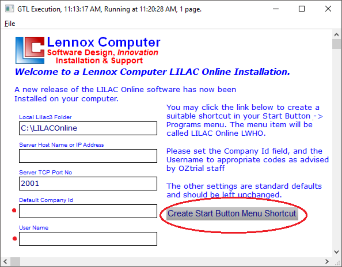

A Short-Cut similar to this will appear in you Windows Start menu.